MaixSense Depth Integration
Interface for the Sipeed MaixSense A010/A075 Time-of-Flight (ToF) cameras.
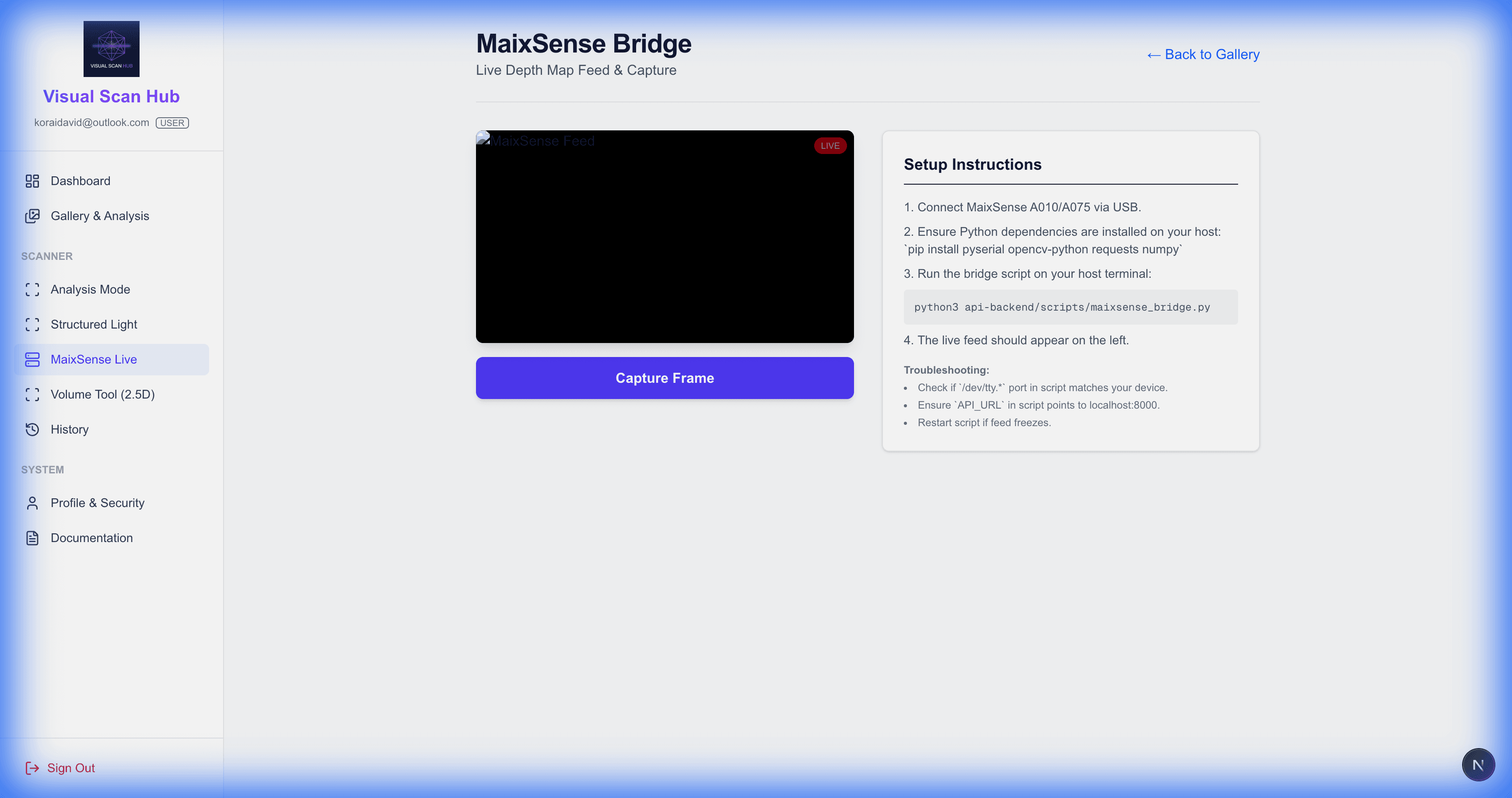
Getting Started
The MaixSense integration allows you to stream live depth histograms and heatmaps directly to the browser.
Driver Setup
Ensure the MaixSense device is connected to the USB port of the Raspberry Pi. You must run the Python bridge script to expose the serial data as an HTTP stream.
# Run the bridge on the Pi
python3 scripts/maixsense_bridge.py --port /dev/ttyUSB0
Visualization Modes
Heatmap
Visualizes distance using a color gradient (Blue = Near, Red = Far). Best for quick visual inspection.
Histogram
Shows the distribution of depth values. Useful for checking scene complexity or emptiness.
Point Cloud
(Experimental) Projects the depth map into 3D space for an interactive view.