Structured Light Scanning
Create high-fidelity 3D models using a standard projector and camera setup.
How it Works
The system projects a series of coded light patterns (Gray Code + Phase Shift) onto the object. The camera captures how these patterns are deformed by the object's shape, allowing the software to calculate the depth of every pixel.
Setup Guide
- Projector: Connect a projector to your PC/Pi as a secondary display.
- Camera: Align the camera at an angle (~20-30 degrees) relative to the projector.
- Calibration: Use the calibration board to determine the intrinsic and extrinsic parameters.
Step-by-Step Scan Process
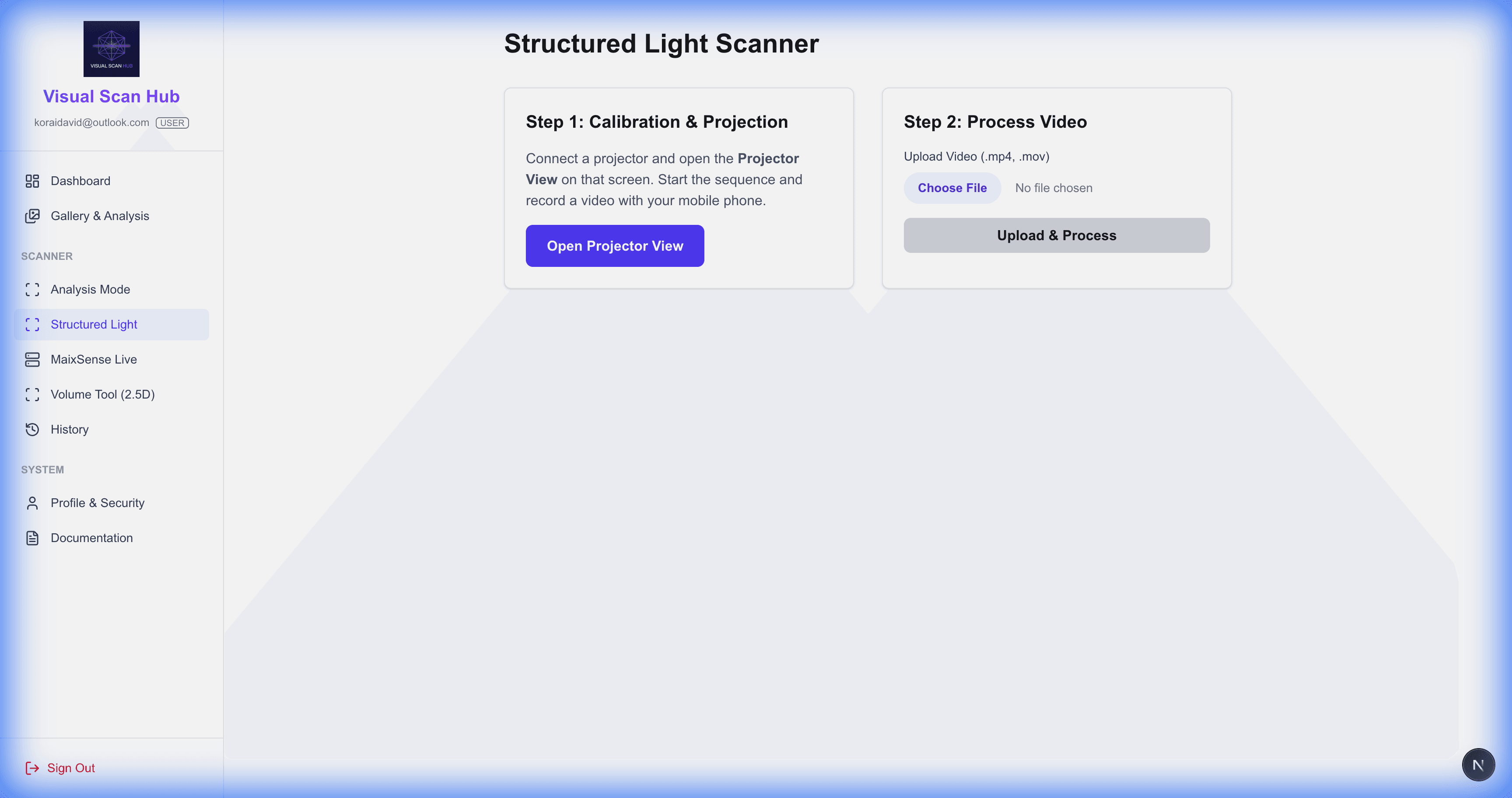
- 1.Open the Projector Pattern View on your secondary display.
- 2.Click "Start Scan" to begin the pattern sequence.
- 3.The camera will automatically record the sequence.
- 4.Once complete, the system processes the video and generates a dense point cloud.